
Start with your photos
Use clear photos of adults who have agreed.
Add your photos. Make the scene yours.
Free preview image · 15-second video with sound
Make the AI zombie trend video, the zombie love story, from two photos. See a free preview first. Pay only if you want the video.
See a free preview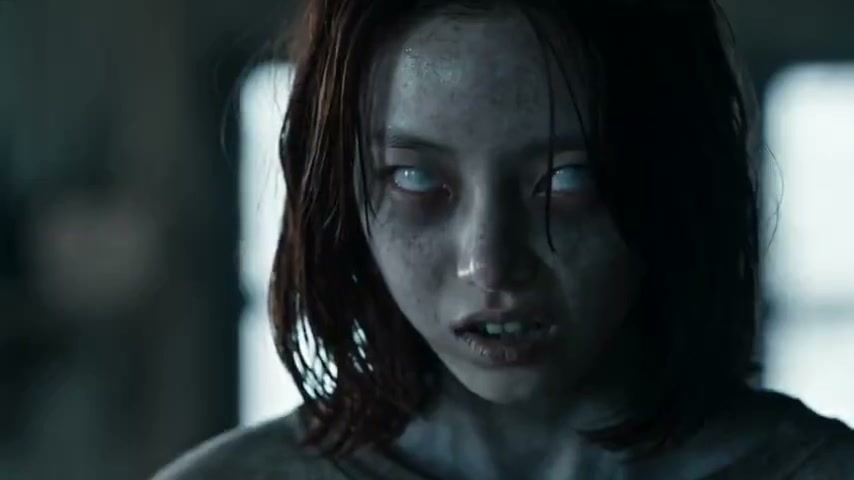 A love that remembers0:24
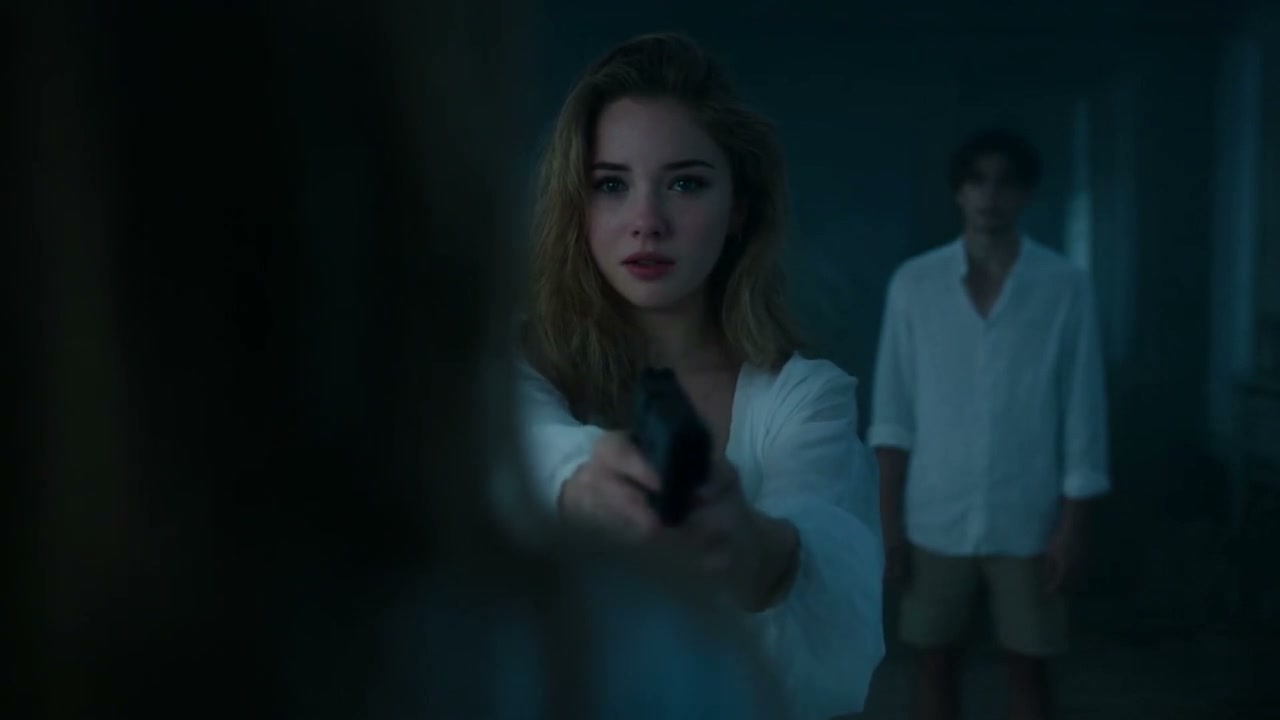 The moment of recognition0:10
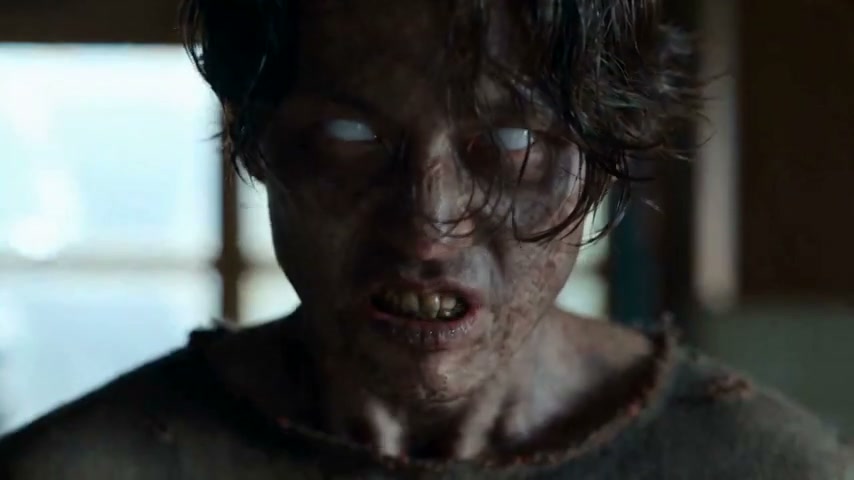 From the kitchen to a memory0:21
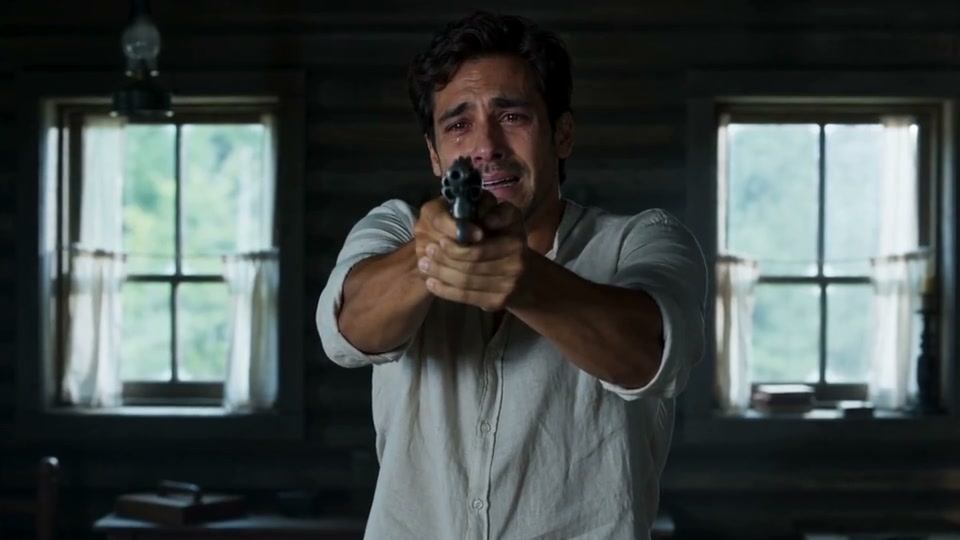 From the cabin to the wheat field0:15
Free scene still first. The 15-second video with sound is paid after sign-in.
Four story references, from a tense reunion to a sunlit memory. Play each clip with sound or explore its storyboard. These are reference clips; your generated video will vary.
A tearful standoff gives way to memories of a couple in the golden fields.
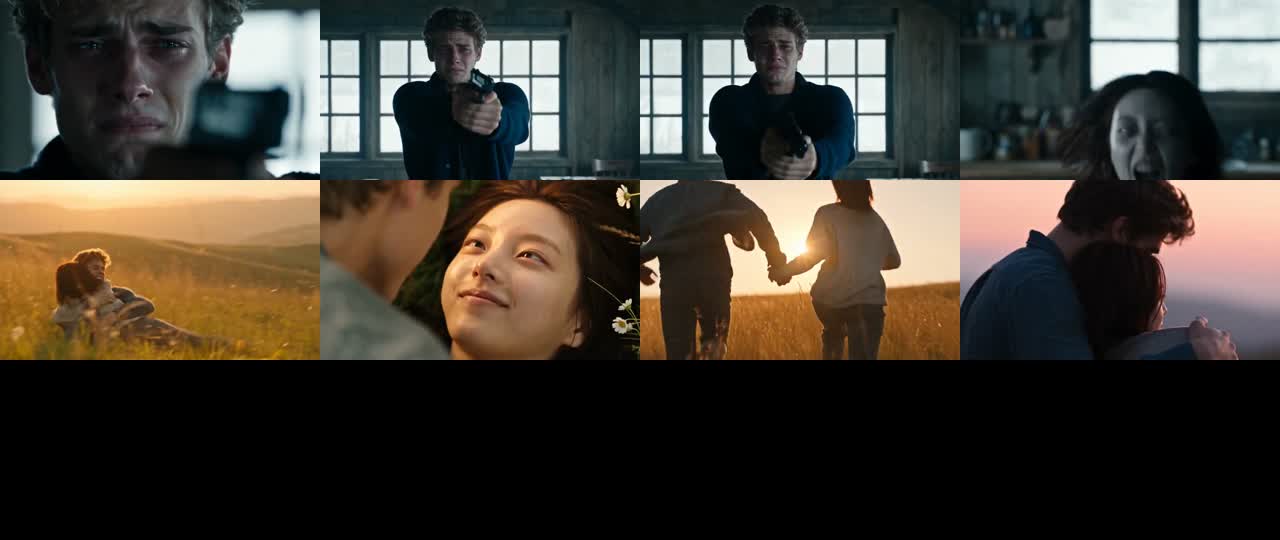
A familiar face turns a confrontation into a sunlit reunion.
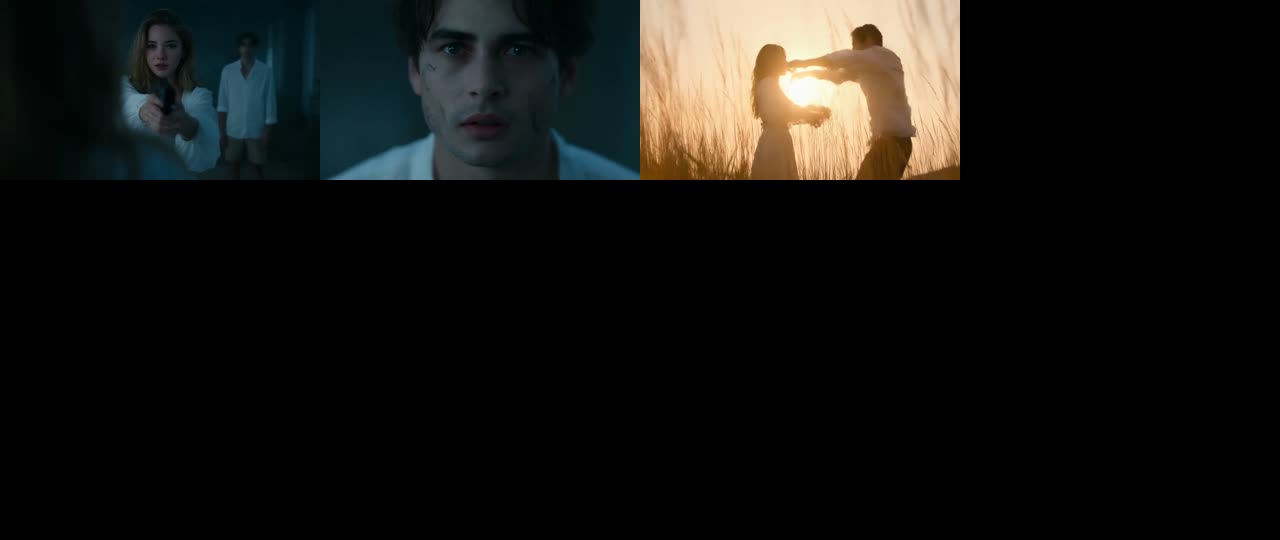
A cold kitchen, a lowered gun, and a return to warmer days together.
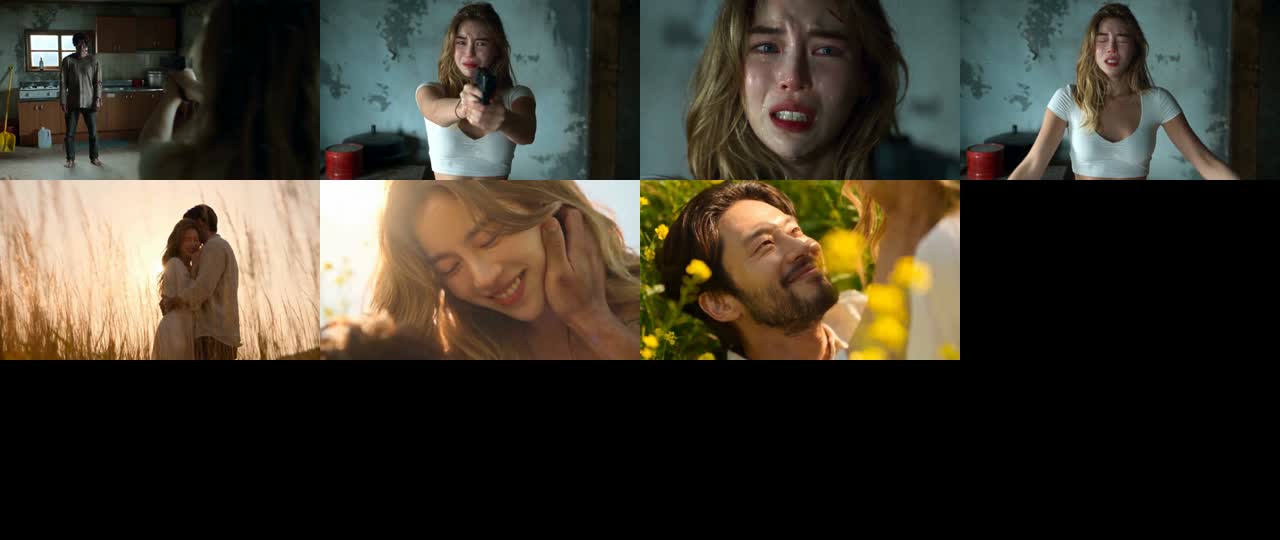
Open arms and a leap carry the embrace from a dark cabin into the sunset.
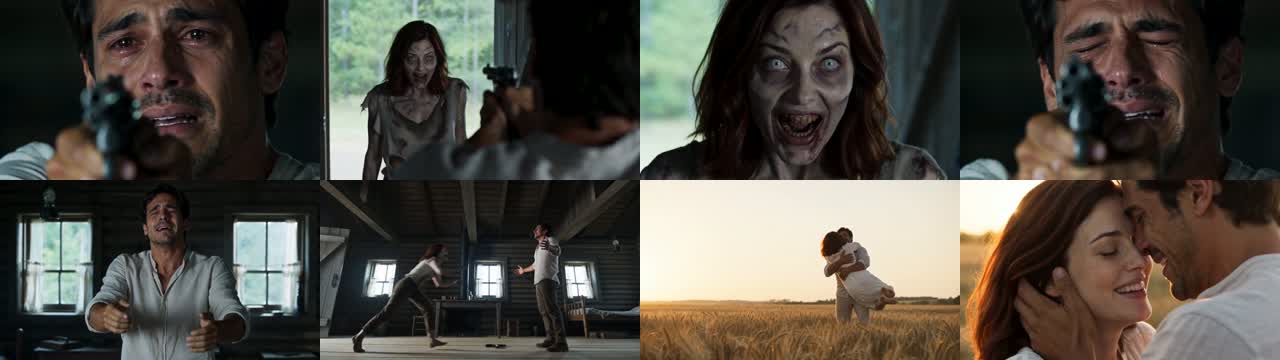
 Photo 1
 Photo 2
Effect examples · Open the Effects tab to make these
One-time credit packs · Failed generations restore credits
What is the AI zombie trend? In this two-person love story, a survivor lowers a prop gun on recognizing a person in zombie makeup, then their embrace cuts from a cold cabin to a warm memory. This site makes a 15-second video from two permitted adult photos with generated sound; it is not a solo zombie face filter.
Use clear photos of adults who have agreed.
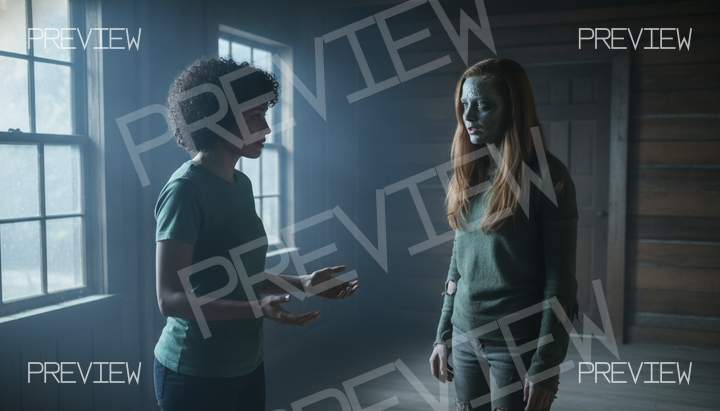
Scene preview
Choose the options in the generator below.
Scene preview
Find your finished video in My creations.
You can also create hugs, dance videos, and bring photos to life in the Effects tab.
Your browser temporarily keeps the draft for sign-in and payment. The photos are sent to the generation provider, whose retention and training policies apply. Both photos submitted for a free preview and the preview image are kept in private storage for 24 hours, then deleted.
Read the privacy policyOne person recognizes another in zombie makeup, lowers a prop gun and opens their arms. A jump into an embrace cuts from a cold cabin to a warm wheat-field memory. This two-person story differs from a single-person zombie face filter; the requested scene excludes blood, wounds, biting and gunfire.
Two permitted adult photos are required: one survivor and one person in zombie makeup. The browser generator requests a 15-second MP4 with generated sound in 16:9 or 9:16. No app download is needed. Purchase options are not yet configured; check Pricing. Purchase options are not yet configured; check Pricing. Without signing in, see one free watermarked scene still from two photos. It is not the first frame of the video. Sign in and pay to make the separate 15-second video. Review the finished file and the privacy policy before sharing.
The preset requests seven shots: tears and a prop gun, the other person approaching in zombie makeup, a close-up, the gun lowered, a jump across the cabin, a matching embrace in a sunset wheat field and a final close-up. The cold cabin changes to a warm memory with a hard cut. It is generated in one job; the actual shot sequence and transition can vary.
16:9 is the default landscape frame, like the trend. Choose 9:16 for a full-screen vertical post; that version requests a three-quarter side view with both adults kept in frame during the jump. Faces, hands, the makeup and the cut should be checked in the finished video.
The cabin requests wind, creaking boards and shaky breathing, becoming quiet before the jump. The memory scene requests an original piano-and-strings score and a light breeze. No original clip or soundtrack is supplied, and no voice is cloned. Your video generates in the background. Waiting time varies with the queue; you can leave and check My creations later.
This site makes a two-person zombie love story from two adult photos, rather than a solo face transformation. It requests a 15-second cabin-to-memory story with generated sound; the exact result can vary.
There is no single official tool everyone uses for the zombie love story trend. This browser site is one paid option for the two-person story and does not use original trend footage.
Yes, this site requests a 15-second zombie love story from two permitted adult photos. Assign the survivor and zombie roles, sign in and use paid credits; the completed shots and faces may vary.
Upload a permitted adult photo for each role, choose 16:9 or 9:16, optionally see the free watermarked scene still without signing in, then sign in and generate, then download and post the file yourself. Check the finished result and the posting platform’s AI disclosure controls.
Without signing in, see one free watermarked scene still from two photos. It is not the first frame of the video. Sign in and pay to make the separate 15-second video. Purchase options are not yet configured; check Pricing. Purchase options are not yet configured; check Pricing. Other services set their own terms.
This site does not add a watermark to your video. You still need paid credits to generate, and a posting app may apply its own presentation rules.
This site works in a browser without an app download. It offers a fixed two-person story with 16:9 or 9:16 output; whether that fits your goal matters more than the device used.
It is a two-person story in which a cabin confrontation changes to a warm memory when the pair embrace. This site requests it from two adult photos with generated sound; it is not a film clip or a solo face filter.
Each generation uses 24 credits. Purchases are currently unavailable; check Pricing for availability. Purchase options are not yet configured; check Pricing. Review the configured packs and their video counts on Pricing. Failed or blocked generations restore the credits used; this does not automatically refund a credit-pack purchase.
Without signing in, see one free watermarked scene still from two photos. It is not the first frame of the video. Sign in and pay to make the separate 15-second video. You can also build a version yourself in a general video tool with its available allowance, writing the scene and arranging the cuts yourself.
The output is a 15-second MP4 video (16:9, with generated ambience and an original score). The default is 16:9 landscape; 9:16 vertical is also available. The sound design requests wind, cabin sounds and breathing, then an original piano-and-strings score in the memory scene. No existing song or reference audio is supplied; no dialogue or cloned voice is requested. You can change the sound in your posting app. Your video generates in the background. Waiting time varies with the queue; you can leave and check My creations later.
Not yet. This preset requires two permitted photos of adults. It does not currently support dogs, cats, children or a one-photo version. Both roles can be assigned to any consenting adults.
Video models can reject real-person photos or scenes involving weapons and horror, even when the scene is restrained. This preset requests adults, a prop gun that never fires, and no blood, wounds, gore or biting. If the provider rejects your job, its credits are restored and you can try another permitted photo. Review the generated result before sharing.
This generator creates each video from your photos; it does not use a film, series or original trend clip. There is no fixed song included. The output requests newly generated ambience and an original instrumental score, which you may replace when posting. This site is a video-making tool, not a film or series viewing page.
Use yourself or adults who have agreed; no celebrities, public figures or minors. Your browser temporarily keeps the draft for sign-in and payment. The photos are sent to the generation provider, whose retention and training policies apply. Both photos submitted for a free preview and the preview image are kept in private storage for 24 hours, then deleted. Completed videos stay in My creations until you delete them. See the privacy policy for details.